ANALYTICS
UTM Tracking for SaaS: Measure Founder-Led Marketing to Signups
You publish a LinkedIn post, send a newsletter, and contribute to a partner’s launch. Signups arrive. Which activity deserves another afternoon next week?
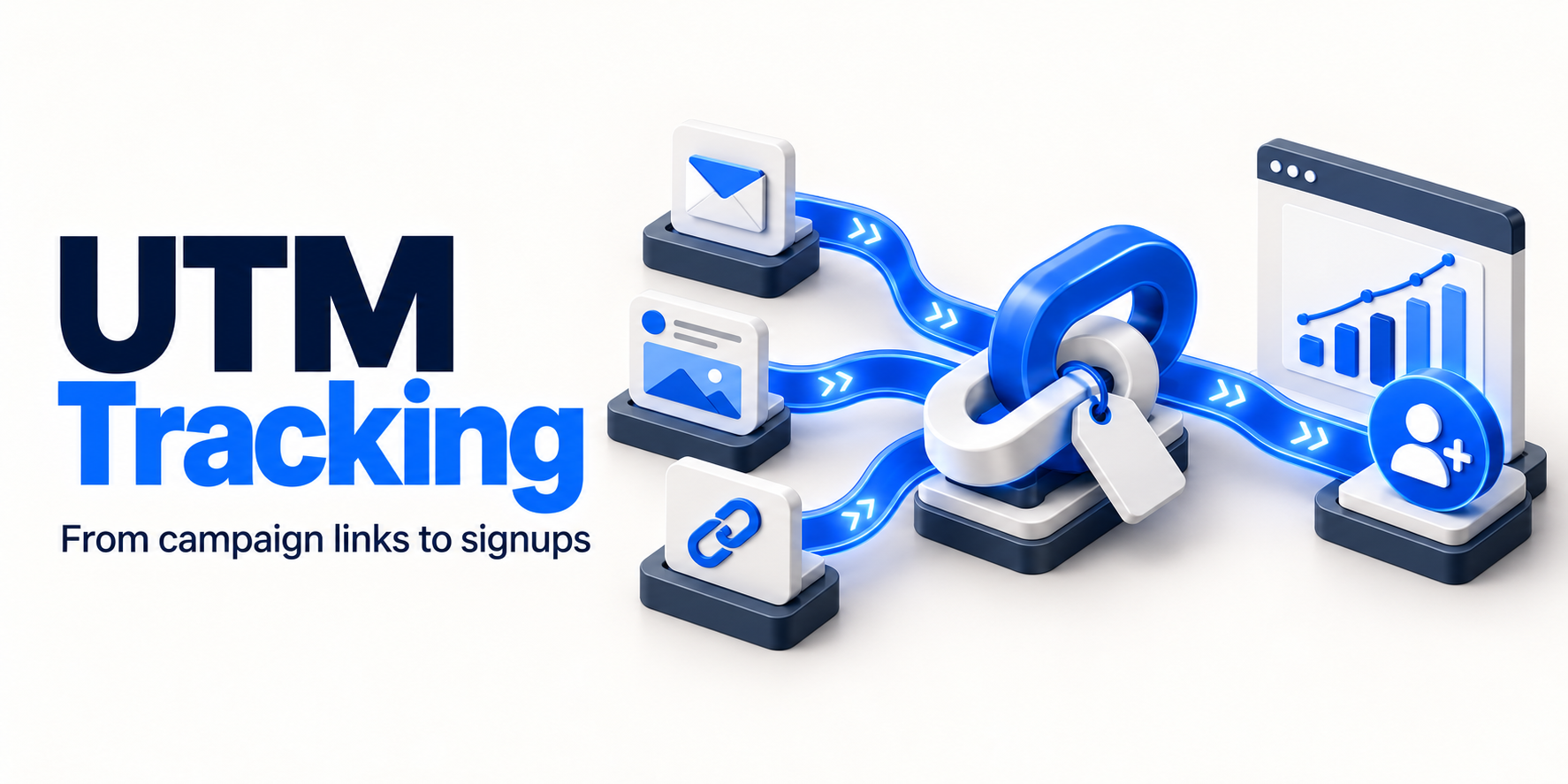
UTM tracking gives those links consistent labels so you can inspect the traffic they bring. Connecting that traffic to a verified signup event makes the data more useful. It still will not reveal every conversation, repeat visit, or recommendation behind someone’s decision.
For a small SaaS team, a workable setup has four parts: a naming convention, tagged external campaign links, a reliable signup event, and a review that leads to a specific decision. Here is how to put them together without building an attribution project bigger than your marketing program.
Define the signup you actually want to measure
Write the outcome before building links. For example:
A signup occurs when a new account is successfully created, not when someone clicks the signup button or submits an invalid form.
Google recommends the sign_up event for account creation. That recommendation does not mean your website automatically sends it; the event needs to be implemented for your signup flow. The optional method parameter can describe how registration happened. Google’s recommended events.
Keep account creation separate from activation. A founder comparing channels may eventually care more about people who complete onboarding or use a core feature. Begin with a signup event you can verify, then add a clearly defined activation event when you can measure it reliably.
Your account database remains the reference for how many accounts actually exist. Analytics helps investigate acquisition behavior; its event count should not become your billing or account ledger.
Use a small, consistent UTM naming convention
UTM parameters are labels added to a destination URL. Google Analytics can use them to identify the source, medium, and campaign associated with incoming traffic. Google recommends including utm_source, utm_medium, and utm_campaign when tagging URLs. Google’s campaign URL guidance.
For founder-led organic campaigns, use this starting convention:
| Field | Question it answers | Example value |
|---|---|---|
utm_source |
Which platform or publication carried the link? | linkedin |
utm_medium |
What kind of distribution was it? | social |
utm_campaign |
Which shared marketing initiative does it support? | onboarding_guide_2026q4 |
utm_content |
Which creative or link placement was clicked? | founder_post_01 |
Fictional example: an imaginary SaaS founder shares an onboarding guide on LinkedIn. The destination below uses example.com; it is not an AICMOHQ campaign or a customer result.
https://example.com/onboarding-guide?utm_source=linkedin&utm_medium=social&utm_campaign=onboarding_guide_2026q4&utm_content=founder_post_01Keep the campaign name the same when the same initiative appears in a newsletter. Change the source to your chosen newsletter identifier, the medium to email, and the content value to the relevant placement.
Maintain a short approved-value list. Choose lowercase, one separator, and stable platform names. Google treats differently capitalized parameter values as distinct, so LinkedIn and linkedin can fragment your reporting. Google’s UTM naming guidance.
Use utm_content for a distinction you will actually review. Avoid creating a different campaign for every post when you want to assess one initiative across channels. Leave utm_term for relevant keyword tracking rather than using it as an unrelated notes field. Additional fields, including campaign IDs, may matter for a more advanced advertising or data-import setup.
Record the destination, labels, publication date, and final URL in one campaign register. Add the URL to your founder content calendar before publishing so naming is not improvised at the last minute.
Tag incoming campaigns, not internal navigation
Appropriate places for tagged links include your newsletter, a founder’s social post, and a partner’s email linking to your site. You control the link and want to distinguish the incoming campaign.
Do not add acquisition UTMs to links from your own blog to your pricing page, navigation menu, or signup button. Measure those interactions with suitable on-site events instead.
There is an important GA4 nuance here: a new campaign value encountered mid-session does not start a new session. Google says those values can be associated with the events on which they were collected and used for event-based attribution. Internal UTMs therefore introduce campaign information where you intended to measure navigation, even though they do not reset the session source. Google’s campaign processing documentation.
Keep internal links clean. If you want to compare a header CTA with an article-end CTA, use an event parameter that describes the placement, not utm_source=blog.
Connect the campaign journey to a verified GA4 event
A correctly tagged link cannot repair a missing or duplicated signup event. Check the whole journey before using the report to allocate time.
- Confirm successful registration. Trigger
sign_uponly after the application confirms account creation. A button click measures intent, not completion. - Check duplicate paths. Test refreshes, repeat clicks, and single-page app navigation. One account creation should not accidentally fire several signup events.
- Mark the event as a key event. In GA4, identify or configure the event and mark it as important to the business. Merely typing an event name into Admin does not instrument your application. Marking an event affects reporting going forward, not historical data. Google’s key-event setup guidance.
- Check domain transitions. If the marketing site and registration flow use different root domains, review cross-domain measurement. Google specifies using the same tag ID from the same web data stream across the participating domains. Do not substitute fresh UTMs for identity continuity. Google’s cross-domain setup.
- Test the actual published link. Follow its redirects, complete a test registration, and verify that the expected event appears. Check Realtime for collection, then allow processing time before reviewing standard reports. Document and exclude test activity from your business interpretation.
A confirmation-page rule can be appropriate when that page reliably represents success. If someone can reload it or visit it without creating an account, a page view alone is weak evidence of a new signup.
Read the report that matches your question
GA4 distinguishes user, session, and event attribution scopes. These answer different questions:
| Your question | Relevant view |
|---|---|
| Where were people first acquired? | First user source or campaign in User acquisition |
| Which sources brought the sessions I am reviewing? | Session source / medium or Session campaign in Traffic acquisition |
| How is credit for a key event distributed across eligible touchpoints? | Event-scoped attribution reports |
Changing the reporting attribution model affects event-scoped traffic dimensions, not user- or session-scoped dimensions. A first-user report and a session report can therefore tell different, legitimate stories. Google’s traffic-source scopes.
For a first weekly review, open Traffic acquisition, inspect Session source / medium and Session campaign, and select sign_up rather than interpreting all key events as registrations. Review sessions alongside the signup metric. GA4 defines session key event rate as sessions containing a key event divided by total sessions; use the specific signup event when assessing signup performance. Google’s Traffic acquisition report.
Do not divide a duplicated event count by sessions and call the result a user conversion rate. Keep the numerator, denominator, reporting scope, and date range explicit.
Use a decision worksheet, not a channel leaderboard
Complete one row per campaign or source being compared. Keep the reporting definitions unchanged between reviews.
| Worksheet field | What to record |
|---|---|
| Campaign and review window | Exact campaign name, publication dates, and reporting dates |
| Measurement health | Link tested, event verified, known gaps or recent changes |
| Traffic | Sessions in the selected campaign view |
| Signup outcome | Signup key events and signup-specific session key event rate |
| Quality evidence | Activation or qualified conversations, when separately measured |
| Effort | Founder hours and direct spend |
| Next decision | Repeat, revise the offer or destination, investigate tracking, or gather more evidence |
Interpret the pattern before choosing the action:
- Traffic arrives, but signups do not: inspect intent, the landing-page promise, and signup friction. Check tracking before rewriting the campaign.
- Few visits, but relevant conversations: consider whether distribution needs work. A small sample does not establish a channel’s ceiling.
- Signups arrive, but users do not activate: investigate audience fit and onboarding before scaling the same message.
- All channels suddenly decline: check instrumentation and site changes before concluding that every channel stopped working.
Set the next review around your normal time to signup and a meaningful amount of new evidence. Avoid choosing a universal visitor threshold or declaring a winner from a handful of registrations. The purpose is to improve your solo-founder marketing strategy, not produce a more elaborate dashboard.
Keep attribution limits and privacy visible
A tagged click is only part of a buying journey. Someone may read several posts without clicking, receive a recommendation privately, or return on another device. A forwarded tagged URL also retains its original labels; the source label does not prove where every reader encountered it.
GA4’s ability to recognize a returning person depends on reporting identity and browser or device conditions. Consent choices and collection gaps also constrain what you can observe. Respect those choices rather than trying to work around them. Google’s identity explanation and data collection safeguards.
Google defines attribution as assigning credit to interactions along a path. The practical implication for founders: a campaign report is evidence for a decision, not proof that a post caused an incremental signup. Use customer conversations and, where feasible, controlled tests to challenge your interpretation. Google’s attribution overview.
Never put personal data in UTMs or other URL fields. Do not include names, email addresses, phone numbers, or personal customer identifiers in campaign labels. Google explicitly prohibits sending personally identifiable information through campaign parameters and notes that page URLs are collected by Analytics. Use campaign-level labels instead. Google’s PII guidance.
Start with the next campaign
Choose one initiative, agree on the labels, verify successful signup tracking, and write down the decision you want the data to inform.
Use the AICMOHQ UTM builder to build your tagged campaign URL. Then test the destination and registration journey in your own analytics setup before distributing the link. A generated URL is the first step; reliable measurement depends on what happens after the click.
Build a tagged campaign URL
Create a consistent campaign link, then verify the destination and signup journey in your analytics setup.