MARKETING
From Release Notes to Launch Content: A Workflow for SaaS Founders
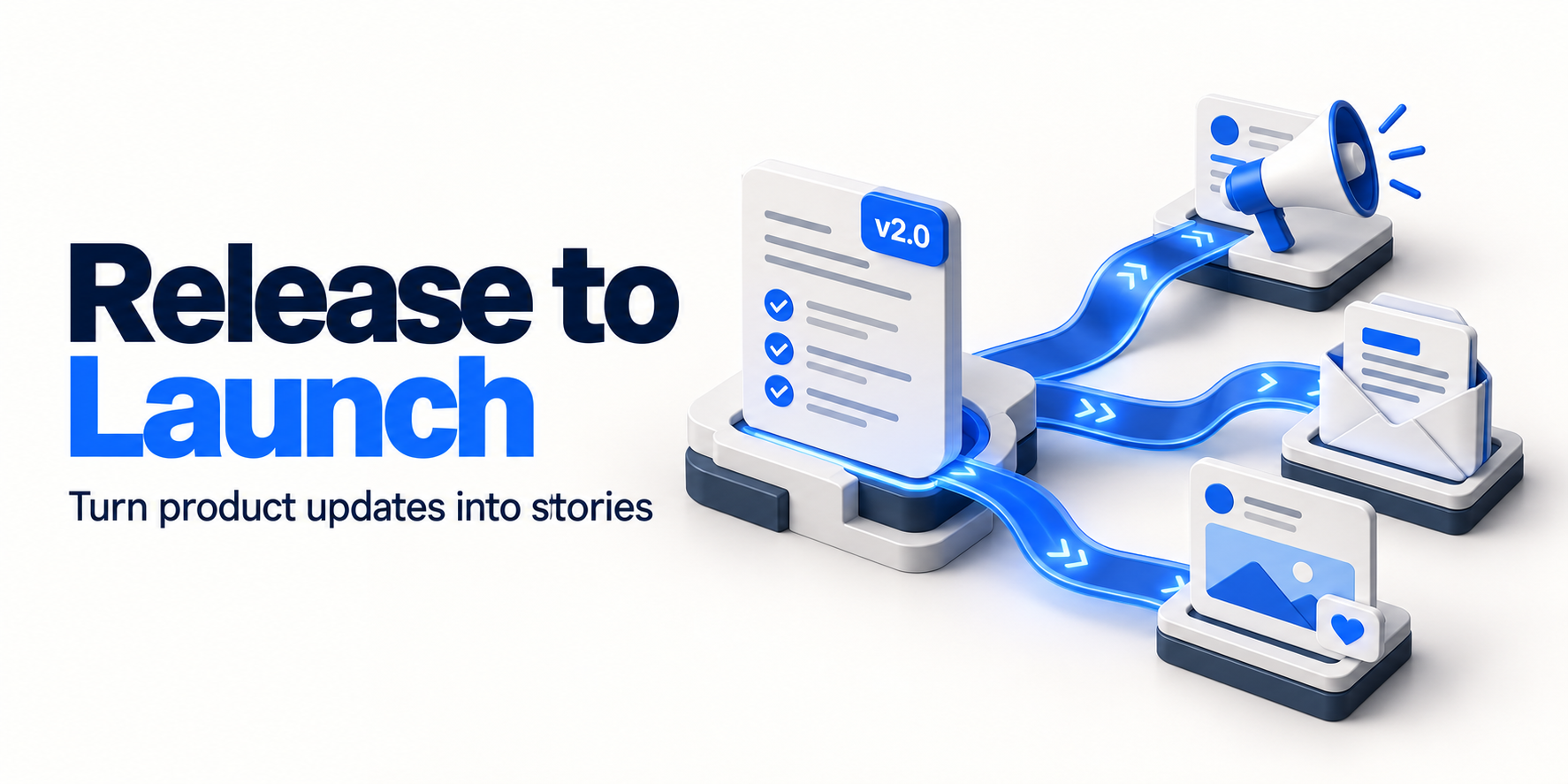
Your latest release notes say “added CSV export.” A customer wants to know whether they can finally prepare their weekly report without copying rows by hand.
That gap is the work of launch content: connecting a verified product change to a useful customer task. Rewriting a commit message with more enthusiasm will not fill it.
To turn release notes into marketing content, choose the change that matters, verify what users can do, write one accurate explanation, and adapt it for the channels where those users already pay attention. Keep a human review between drafting and publishing.
Here is a repeatable workflow, including a fictional feature launch you can use as a model.
1. Decide which changes deserve a launch
Start with the release, then choose the audience. Avoid treating every merged pull request as a campaign.
Sort changes into three groups:
- Customer action required: A migration, removed feature, or changed permission needs clear notice and instructions. Promotional copy comes second.
- A useful new capability: A feature that changes a recurring task may deserve a walkthrough, targeted email, and social post.
- Maintenance: Small fixes can go into a changelog or release roundup unless they resolve a problem your audience has specifically raised.
Ask: who benefits, what can they do differently, and can we demonstrate it? If those answers are vague, keep researching rather than generating more posts.
GitHub’s generated release notes can supply merged pull requests, contributors, and a changelog link. GitHub also instructs authors to review the generated notes before publishing. Use that material as an inventory, then verify availability separately. A merged change may still be behind a feature flag. GitHub release-note documentation
2. Build a small launch fact sheet
Before drafting, put the facts in one place. Include the release version, rollout status, eligible plans, permissions, setup steps, limitations, and a link to the relevant product documentation. Assign a person to resolve missing information.
Hypothetical example: Boardlane is a fictional project-management SaaS. Its new release lets workspace admins on the Pro plan export a filtered task list to CSV, up to 10,000 rows. It does not support scheduled exports or a live spreadsheet connection. These details illustrate a workflow; they are not AICMOHQ features or customer results.
The technical release note is:
Added CSV export for filtered task lists. Pro workspace admins only. Maximum 10,000 rows.
For a real launch, the evidence sheet might look like this:
| Claim to verify | Evidence to attach before approval |
|---|---|
| Export respects the selected filters | A checked example comparing the task list with the exported file |
| Pro workspace admins can export | Current plan settings and a permissions test |
| Export supports up to 10,000 rows | Confirmed product limit and boundary-test result |
| The feature is available now | Production rollout confirmation for the intended audience |
| No scheduled exports or live sync | Product-owner confirmation and current documentation |
Separate confirmed facts from assumptions. “Exports a filtered list” may be demonstrable. “Saves every manager two hours a week” needs evidence you do not get from a pull request.
3. Translate the change into a customer task
Use this structure:
For [specific user], [new capability] helps with [specific task], subject to [important limit].
For the fictional Boardlane release:
“Workspace admins can export a filtered task list for weekly reporting, without copying the visible rows individually. CSV export is available on Pro, with a 10,000-row limit.”
This gives you a concrete story: preparing a weekly project report. It also keeps the promise narrower than “automate your reporting,” which would imply capabilities the release does not include.
Use actual customer questions to select the angle when you have permission to use them. Remove identifying details from private conversations. Never manufacture a quote or claim a feature was “our most requested” because that would make a stronger opening.
If no customer evidence exists, explain the task directly and show the feature. A useful demonstration does not need a popularity claim.
4. Write the destination page before the announcement
Give interested readers somewhere useful to land. Depending on the release, this could be an updated help article, a changelog entry, or a product walkthrough.
For Boardlane, that destination should explain:
- Who can export and which plan is required.
- How to select filters and start an export.
- Which fields appear in the file.
- What happens at the row limit.
- What the export does not do.
Use screenshots from the released interface, with sample data rather than customer information. Check the steps in an eligible account and confirm the destination is accessible to the audience receiving the announcement.
A longer blog post is justified when there is a real workflow to teach. A small interface change may need only a short release note. Do not pad it into a search article simply to create another URL.
5. Give each channel a different job
Keep the facts consistent while changing the emphasis. Existing customers need eligibility and next steps. A founder’s LinkedIn audience may care about the product decision. An in-app notice should get to the action quickly.
The following drafts all describe the same fictional Boardlane release. Bracketed destinations are placeholders to replace with verified links before use.
LinkedIn draft explaining the decision
A project board is useful for managing work. Sometimes the weekly report still needs a spreadsheet.
We added CSV export to Boardlane so workspace admins can filter a task list and download those rows for reporting.
We kept this release focused: manual exports, up to 10,000 rows, available on Pro. It does not schedule reports or keep a spreadsheet in sync.
Here is the walkthrough: [verified guide link]
X draft announcing the capability
New in Boardlane: export a filtered task list to CSV for your next project report.
Pro workspace admins · up to 10,000 rows · manual exports only.
Steps and limitations: [verified guide link]
Customer email draft helping eligible users act
Subject: Export your filtered Boardlane tasks to CSV
You can now download a filtered task list from Boardlane for use in your reporting spreadsheet.
Open your task list, select the filters you need, and choose Export CSV. This feature is available to workspace admins on Pro and supports up to 10,000 rows per export.
Each download is a snapshot. It will not update automatically when your tasks change.
See the export guide: [verified guide link]
In-app draft pointing to the next step
Need these tasks in a spreadsheet?
Pro workspace admins can now export the filtered list to CSV, up to 10,000 rows. Learn how: [verified guide link]
These are editorial examples, not claims that AICMOHQ publishes to every destination shown. Use your existing email, in-app, and website tools where appropriate.
6. Give AI a bounded drafting assignment
Supply the verified fact sheet, approved screenshots, audience, destination, and examples of your writing. Avoid passing an entire private repository or unfiltered support inbox when a small approved extract will do.
A reusable prompt:
Using only the attached launch fact sheet, draft a LinkedIn post and an email to eligible customers. Explain the customer task before the implementation detail. Preserve plan restrictions, permissions, rollout status, and limitations. Do not invent quotes, customer demand, savings, or performance results. Mark missing information as a question. Return drafts and a claim-check list. Do not publish or schedule anything.
Review the output against the source material, not against another generated summary. AI can help produce alternatives; someone still needs to determine whether each statement is true.
7. Review the evidence and the publishing details
Use a short checklist for every launch package:
- Product truth: Is the feature live for the people named in the copy? Are plans, permissions, limits, and beta labels accurate?
- Evidence: Can you trace every factual claim to a release, test, document, or approved customer statement?
- Privacy: Do screenshots, examples, and links exclude customer data, credentials, and private issue details?
- Reader action: Does the call to action work? Does the destination explain the promised workflow?
- Delivery: Are the account, audience, channel, date, and time zone correct?
- Approval: Has the responsible person approved this specific copy and its assets?
If the rollout or wording changes materially, review the affected drafts again. A delayed release should trigger a pause, not leave announcements queued against an obsolete date.
Start with the people who can use the feature. Publish broader awareness content once the destination and rollout are ready. You do not need to announce every feature everywhere.
8. Measure the next useful action
Choose one primary question before publishing: did eligible users try the feature, did readers reach the walkthrough, or did the release attract relevant prospects?
For a feature-adoption campaign, compare successful first use with the eligible audience over a defined period. Keep that separate from social impressions and website visits. A busy launch post does not establish that people adopted the feature.
Use consistent campaign names on external announcement links. Google Analytics supports UTM parameters for identifying referral campaigns and reporting their traffic. For example, keep utm_campaign=csv_export_launch consistent while changing utm_source for each channel. Google Analytics campaign URL guidance
Treat these links as attribution evidence, not proof that a post caused every subsequent signup. Review replies and support questions too. If readers misunderstand a limit, fix the explanation before recycling the announcement.
Put the next release through the workflow
AICMOHQ’s GitHub integration can provide commits and pull requests for draft creation, and its current integrations page lists LinkedIn and X publishing. Check the integration details before planning distribution; channel capabilities differ.
In AICMOHQ’s approval-first workflow, the human approval step happens in the dashboard. CLI and MCP access can work with drafts and already-approved items, but cannot approve a draft. See the MCP tools and human approval requirements. Keep website publication in your existing CMS workflow unless you have separately verified an integration.
For your next release, start with one meaningful change, one checked fact sheet, and two channel-specific drafts. Review them against the shipped product. Once that process works, expand the launch package where it serves a real audience.
Want help turning what you shipped into drafts? Explore AICMOHQ and see whether its approval-first workflow fits your team.
Turn shipped work into reviewed drafts
Explore AICMOHQ’s approval-first workflow for marketing content.