PRODUCT
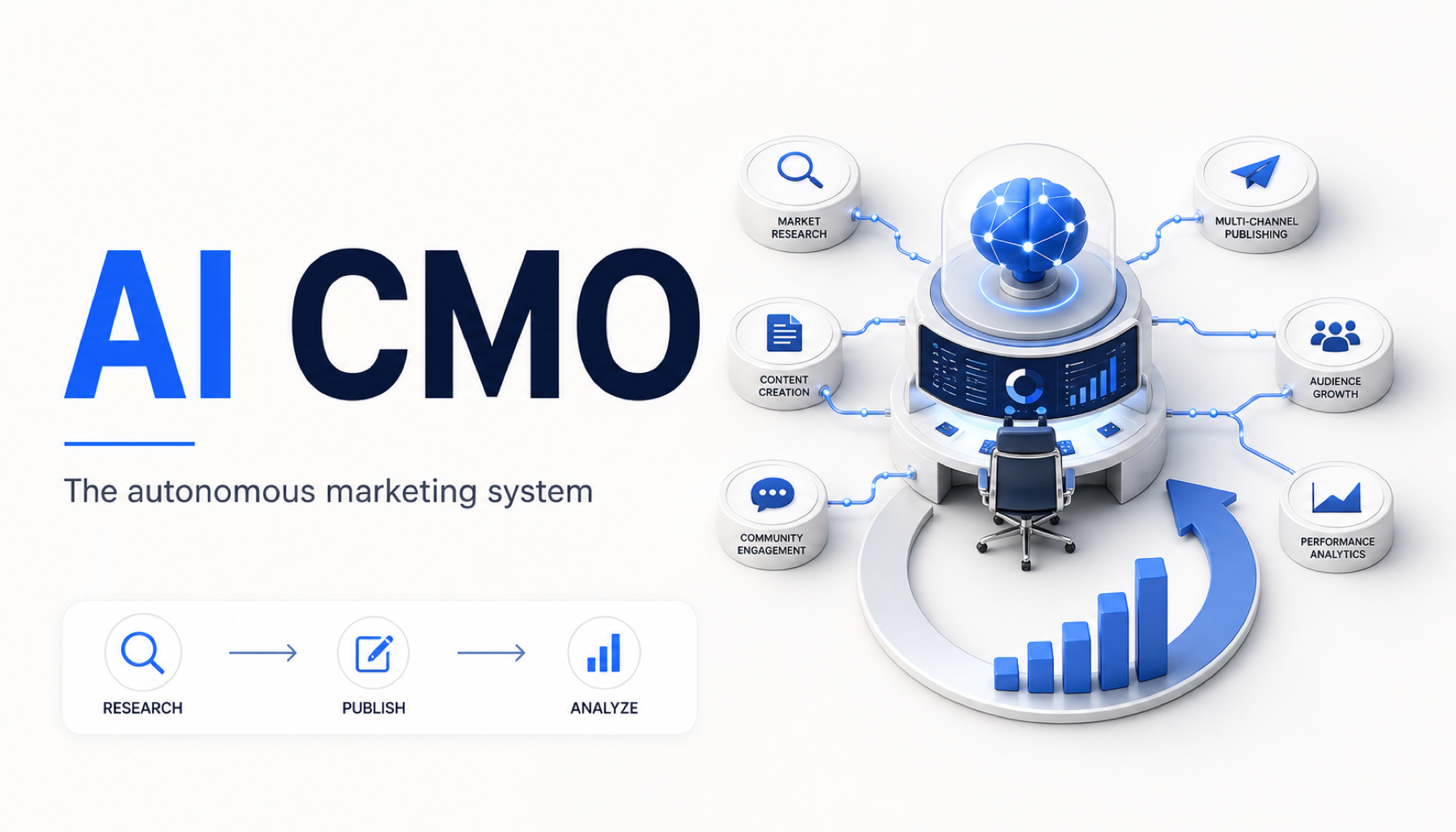
CLI & MCP Marketing Agents for Solo Founders
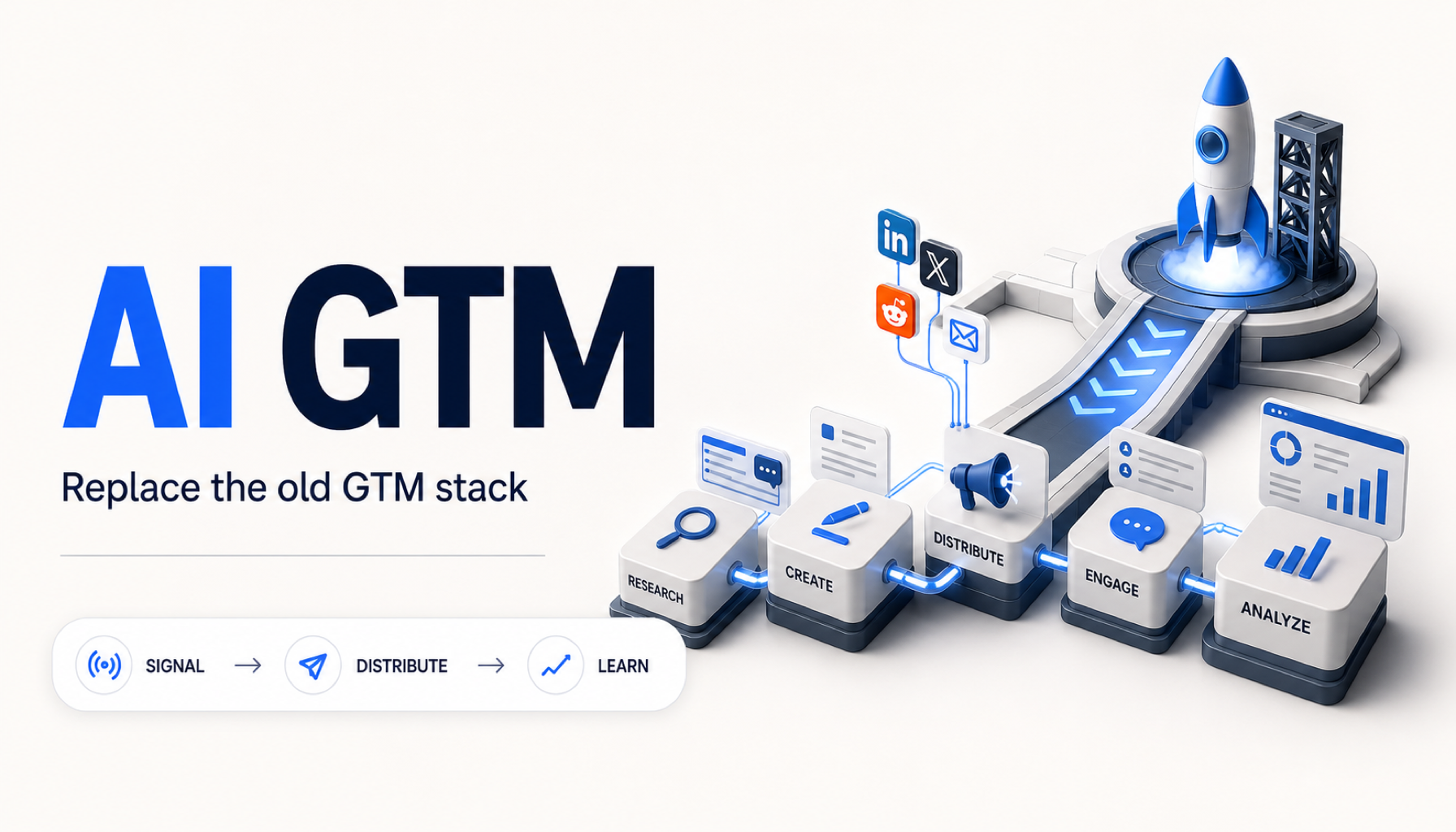
Most marketing tools assume you want another browser tab. Solo founders who ship from VS Code, Cursor, or a tmux session need something else: marketing agents that accept the same workflows as code — CLI flags, MCP tools, and explicit scopes.
Why CLI/MCP matters for GTM
Context switching kills momentum. When marketing lives only in a dashboard, it becomes "later work." When you can run aicmo from the same repo you just pushed, marketing becomes part of the ship loop:
- Read recent git activity and turn it into draft angles.
- Queue posts for approval without leaving the terminal.
- Expose the same capabilities to Claude Code or Cursor via MCP.
Approval-first is non-negotiable
CLI speed is not autopilot permission. AICMOHQ defaults to approve mode: agents draft, you sign off, then Chanakya schedules. API tokens and MCP tools cannot bypass that gate — by design.
What you can run today (when invited)
The aicmo CLI uses device-flow auth (aicmo login) or AICMOHQ_API_KEY with granular scopes (queue:write, publish, etc.). The MCP server advertises tools for intake, scouting, drafting, and queue management — documented at aicmohq.com/mcp.
Who this is for
Indie hackers, dev-tool founders, and technical solo founders who already think in systems. If you want a calendar UI and nothing else, a scheduler may suffice. If you want research + drafts + queue from your dev environment, CLI/MCP is the wedge.
Request beta access — AICMOHQ is in private beta. Compare CLI-native GTM to schedulers on our comparison hub or read AICMOHQ vs Typefully.
Marketing from your terminal
Join the waitlist for CLI + MCP access in private beta.